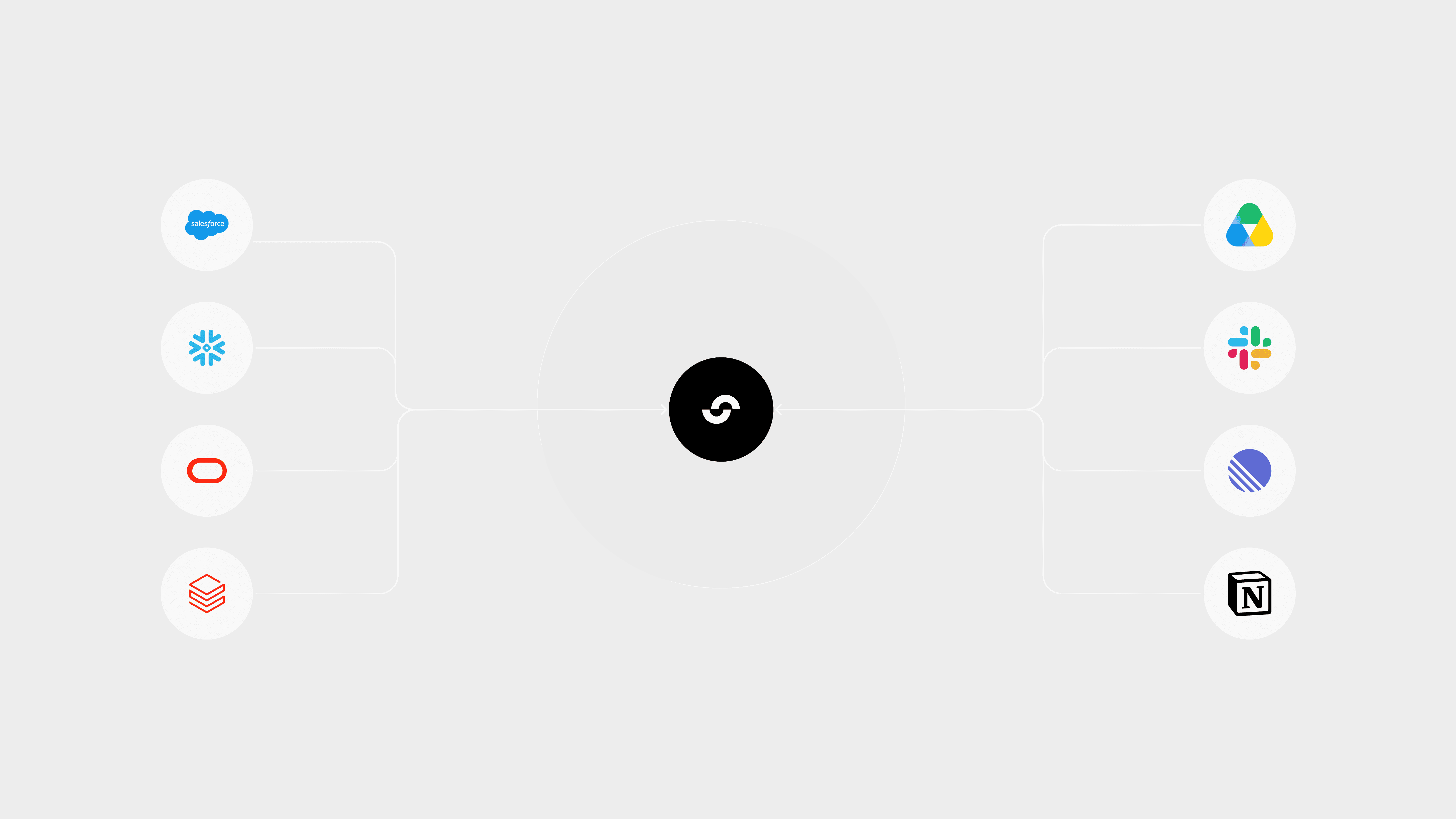
Every useful business question has a trail.
A forecast question may start in the model, but the bookings context is in Salesforce or HubSpot, the actuals are in NetSuite, the operating narrative is in Slack, and the board-ready explanation may be sitting in a Google Drive deck from last quarter.
A spend question has the same shape. The number may be in the system of record, but the reason might live in a Ramp transaction, a contract amendment, a procurement thread, or a dashboard someone reviewed before the meeting.
That is the context Addison needs. If Summation’s AI agent can only reason from what someone pasted into the prompt, it can still produce a fluent answer. But it cannot reliably explain what changed, where the signal came from, or what source system supports the narrative.
That is why I am excited about MCP connectors in Summation. They let Addison work with the business systems teams already use, without asking people to export CSVs, upload files, or manually restate the same context in every conversation.
The practical unlock is simple: connect the apps once, choose which ones Addison can use for a conversation, then ask better questions inside Summation.
The Context Gap Behind Every Decision
When source systems are disconnected from Addison, the human still has to reconstruct the truth. Addison can summarize, rephrase, and format. But it cannot reliably explain what changed unless it can reach the systems where the change occurred.
That distinction matters in the operating cadence of a business. A weekly review is not asking for a nicely written paragraph. It is asking for a sourced explanation that a team can trust, debate, and act on.
MCP connectors help close that gap. They bring source systems into the workflow, so Addison can work with the context behind the number, not just the number itself.
What MCP Changes
MCP stands for Model Context Protocol. I think about MCP connectors as secure app connections that let Addison use external tools at the moment a user asks a question.
A traditional integration usually answers: what data should be loaded into the model?
MCP answers: what tools should Addison be allowed to use right now?
Both matter. Synced data is still the foundation for governed reporting, repeatable metrics, and durable models. MCP is useful when the question needs live context, investigation, or follow-through.
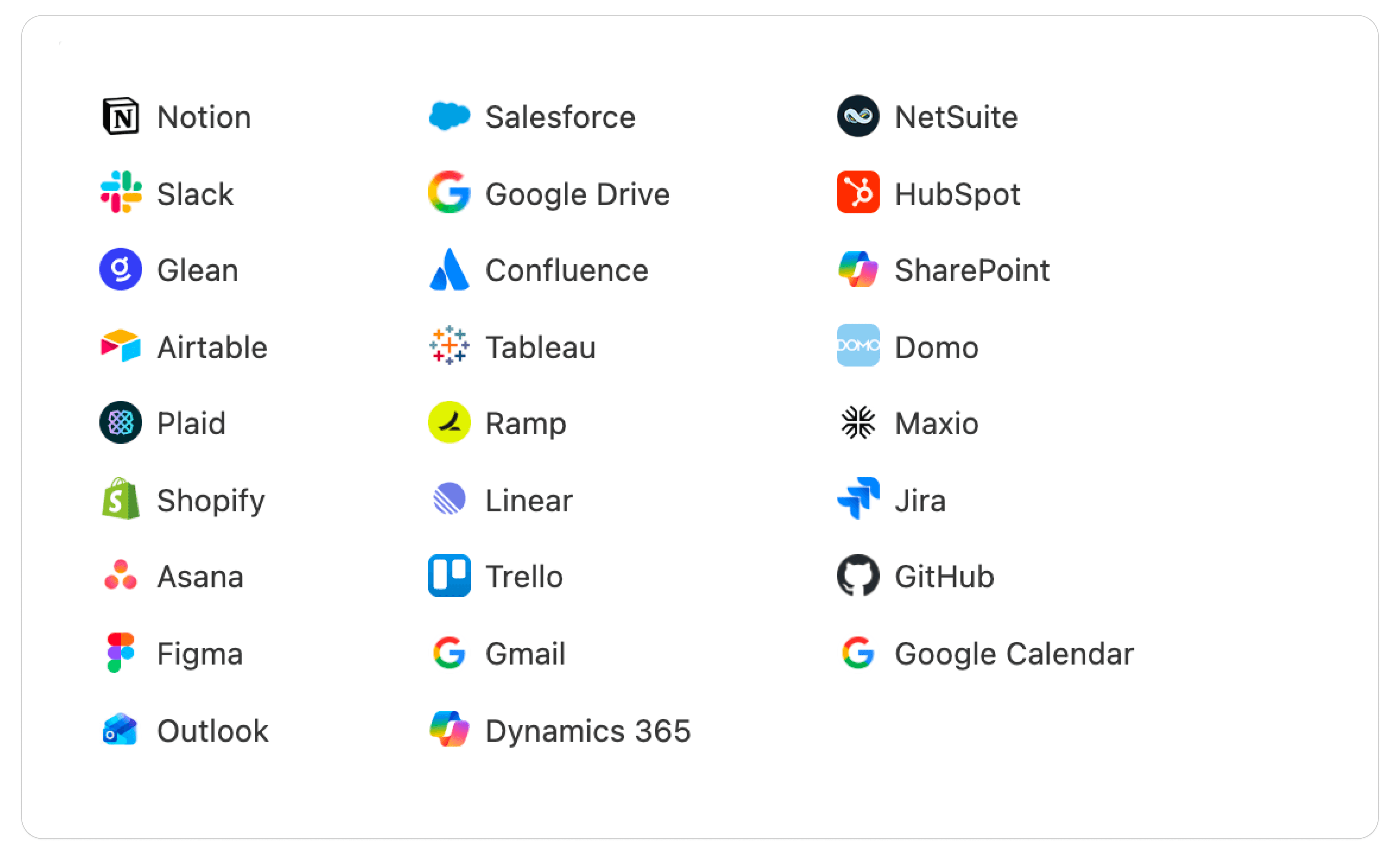
A connector might let Addison search files in Google Drive, retrieve CRM records from Salesforce, inspect ERP activity in NetSuite, read a dashboard from Tableau, or search Slack and Linear for operating context.
The shift is subtle but important. Addison can use approved tools to pull in the context around the model.
How We Are Bringing This Into Summation
In Summation, each user can connect external apps from the Apps tab under Connectors. Once connected, those apps can be used from the places where decision work already happens: chat, reports, dashboards, shared projects, and playbooks.
The product choice that matters most is control.
Connections are user-specific. If I connect my Google Drive account, another user does not automatically inherit access to my files. Tools are also selected at runtime. I can choose which connected apps are available for a specific conversation instead of exposing every connected system to every prompt.
That is the control model I want in an enterprise decision platform. Make context easy to use, but keep the boundary visible.
Use Case 1: Explain What Changed in the Business
One of the most common questions in any operating cadence is simple: what changed?
The answer is rarely simple.
Revenue might be off plan because three late-stage deals slipped. Margin might move because a vendor contract changed. Customer risk might be visible in support tickets before it appears in the forecast.
Without connected systems, someone has to reconstruct that story manually.
With MCP connectors, I want to be able to ask:
“Explain what changed since the last review. Check Salesforce for slipped opportunities, NetSuite for recognized revenue, and Google Drive for any recent board deck assumptions.”
Addison can pull CRM movement, compare it against actuals, and summarize relevant assumptions from prior artifacts.
The value is not that Addison replaces the owner. The value is that the owner starts from a sourced explanation instead of a blank page and five browser tabs.
Use Case 2: Turn Spend Review Into a Traceable Workflow
Spend review is another place where raw numbers are not enough.
An expense line might be correct, but unexplained. A vendor increase may be tied to a contract amendment in Google Drive, a Ramp transaction, a NetSuite bill, and a Slack conversation between procurement and the budget owner.
With MCP connectors, I want to be able to ask:
“Review software spend over plan for the product org. Pull the largest vendor changes from NetSuite, check Ramp for recent charges, and search Slack for any approval context.”
“Software spend increased” is a weak answer. “Software spend increased because usage-based data infrastructure charges rose after the March product launch, with approval noted by the budget owner” is a decision-grade narrative.
That answer requires more than one system. It may need NetSuite bills, Ramp transactions, a contract in Google Drive, and a Slack thread with the approval context. MCP connectors make that investigation possible inside the workflow where the question was asked.
The Technical Boundary Matters
This only works if the boundary is explicit.
Addison should know what tools are available. Access should follow the connected user, not a broad shared service account. The user should decide which connectors are available for a specific chat. The organization should be able to audit failures, stale credentials, and disconnect events.
That is not just security plumbing. It is part of making the answer trustworthy.
MCP connectors expand what Addison can access, so the product experience has to make access visible. A user should be able to see what is connected, which account it belongs to, and how to disconnect it.
The Point Is Not More AI. It Is Less Assembly.
I do not think teams need another place to paste exports. Teams need workflows that understand where the numbers came from, what changed around them, and what needs to happen next.
That is the promise of MCP connectors in Summation: bring app context into the decision surface, keep access user-controlled, and make the answer easier to trust.
The test is simple. Connect the systems your team already uses, then ask a real business question: explain a variance, review spend, prepare for the next operating review, or understand why the narrative changed.
Stop guessing. Start improving.
The AI analyst that turns data into dollars.
Product
Trust
Account
Talk to us
© 2026 Summation Technologies, Inc.